AI PDF summarizer for iPhone
Summarize long PDFs on your iPhone
Send a PDF to TLDRR to get a concise overview, explore the important ideas, and ask questions without scanning every page.
3 saves per week free · Premium optional · Available for iPhone
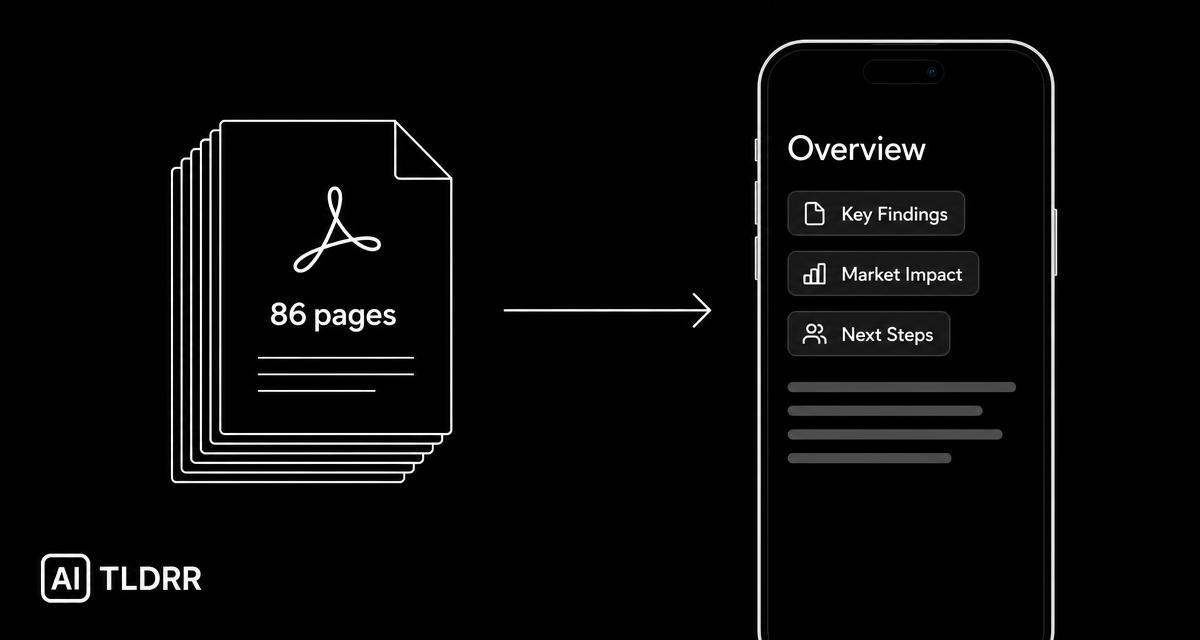
A long report, reduced to what it argues
Source
A long PDF report
TLDRR output
Overview · Key ideas · Topics
Follow-up
“What were the report's main conclusions?”
AI-generated summaries can contain mistakes. Review the original document before making important decisions.
Understand the document before committing an hour
Reports, papers, and long documents are not equally relevant from beginning to end. Start with the central ideas, identify the sections that matter, and return to the original PDF whenever the details are important.
How it works
1 · Send the PDF
Share or open a supported PDF with TLDRR from your iPhone.
2 · Review the key ideas
TLDRR analyzes the available text and creates a concise, organized summary.
3 · Ask, save, and retrieve
Ask questions about the document and find it later by topic rather than filename.
Useful for
- Research papers
- Industry and market reports
- Business documents
- Product and technical documentation
- Long guides
3 saves per week free · Premium optional · Available for iPhone
Build a research library, not a downloads folder
A filename is easy to forget. An idea is easier to remember. TLDRR organizes the PDF with its summary and topics so you can search for what the document was about — even when you no longer remember what it was called.
Search by idea
“the report about subscription retention”
→ the matching saved PDF and its summary.
Reading on the web too? The same workflow applies to articles and web links.
Your documents
When you save a PDF, its content, the generated summary, and the topics TLDRR derives from it are stored in your account so the library keeps working. How that information is handled, retained, and deleted is set out in our Privacy Policy and Terms of Service.
PDF summarizing questions
Get the important ideas out of your next PDF
Download TLDRR free3 saves per week free · Premium optional · Available for iPhone