AI YouTube summarizer for iPhone
Summarize YouTube videos without watching every minute
Share a YouTube video to TLDRR. Get the key ideas, ask follow-up questions, and save everything to a library you can search later.
3 saves per week free · Premium optional · Available for iPhone
From a long video to an answer
Source
A long YouTube video
TLDRR summary
Key takeaways, structured
Follow-up
“What tools did the speaker recommend?”
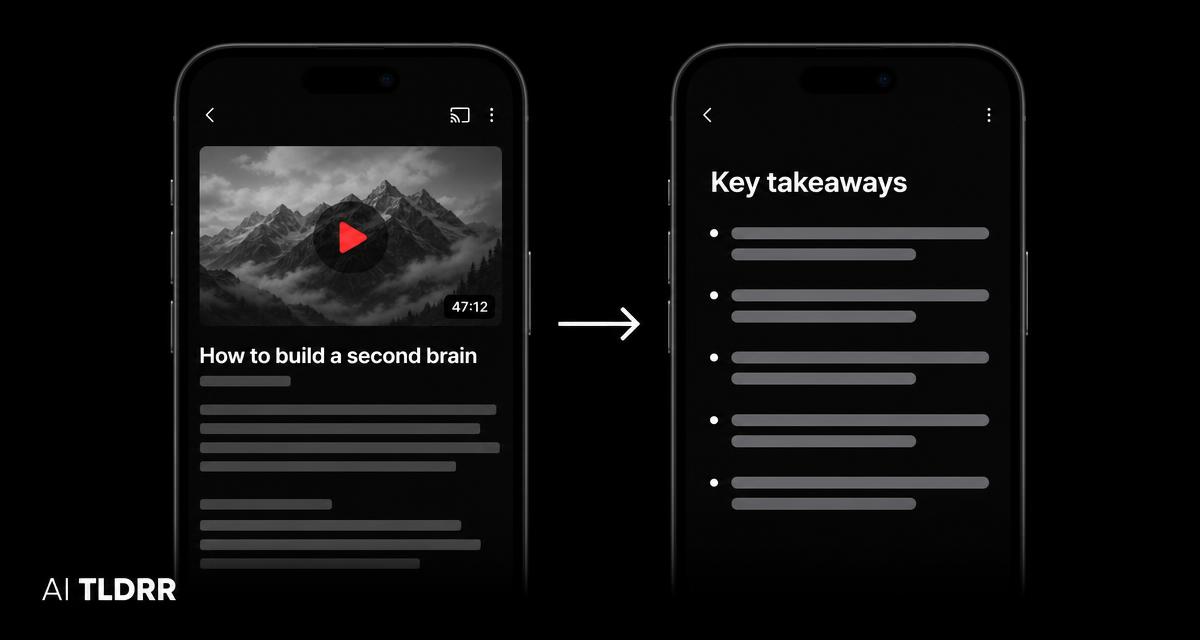
Turn “Watch Later” into understood
Long videos often contain a few ideas you actually need. TLDRR helps you understand the important points first, decide what deserves your full attention, and keep the result available when you need it again.
Summarize a YouTube video in three steps
1 · Share
Open a supported YouTube video, tap Share, and choose TLDRR.
2 · Understand
TLDRR processes the available video content and turns it into a clear, structured summary.
3 · Ask and save
Ask follow-up questions, then find the video and its ideas later through natural-language search.
What you can do
Scan the key takeaways
Understand the main ideas before committing to the full video.
Ask follow-up questions
Explore details from the saved video content.
Keep the source
Return to the original video whenever you need more context.
Find it later
Search by topic or idea even when you cannot remember the title.
Good for
- Tutorials and how-to videos
- Interviews and podcasts published on YouTube
- Lectures and educational videos
- Product reviews
- Industry analysis
- Research and professional learning
3 saves per week free · Premium optional · Available for iPhone
More than a one-off YouTube summary
A useful video should not disappear after you summarize it. TLDRR keeps the video, summary, topics, and conversation together in your personal library so that one useful video can connect with everything else you save.
Search months later
“that interview about productivity frameworks”
→ the saved video, its summary, and your earlier questions.
Saving more than video? TLDRR also handles articles and web links and long PDFs.
YouTube summarizing questions
Understand the next video before watching the whole thing
Download TLDRR free3 saves per week free · Premium optional · Available for iPhone